How to Fix a Printer Not Printing Color
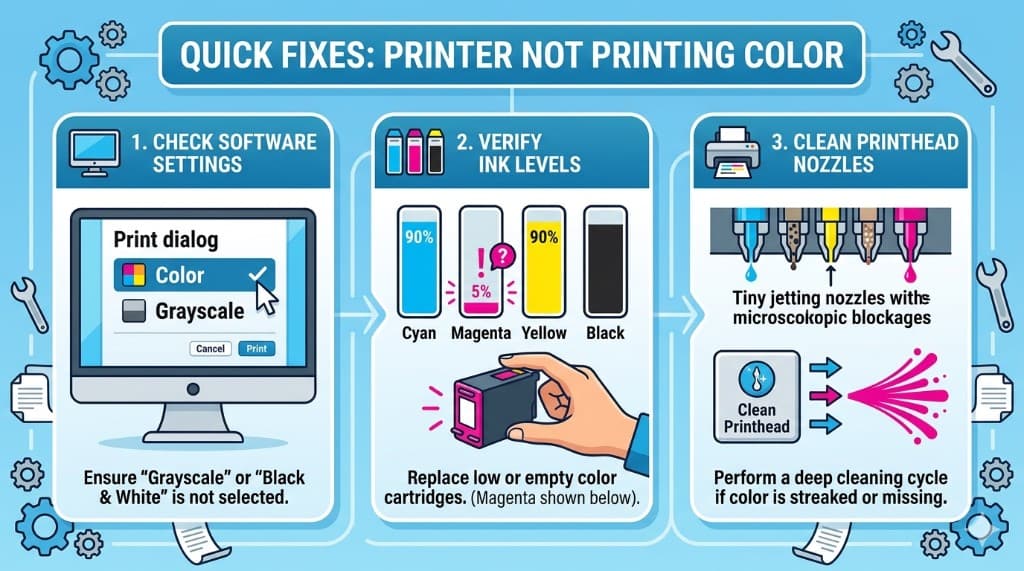
Printer outputs black only or missing one color? Learn how to check settings, run nozzle tests, clean printheads, and fix cartridge or driver issues on Windows and Mac.
Read moreStep-by-step guides to fix connection issues, paper jams, print quality, and more. Find driver downloads, error code explanations, and maintenance tips—all in plain language.
Printer outputs black only or missing one color? Learn how to check settings, run nozzle tests, clean printheads, and fix cartridge or driver issues on Windows and Mac.
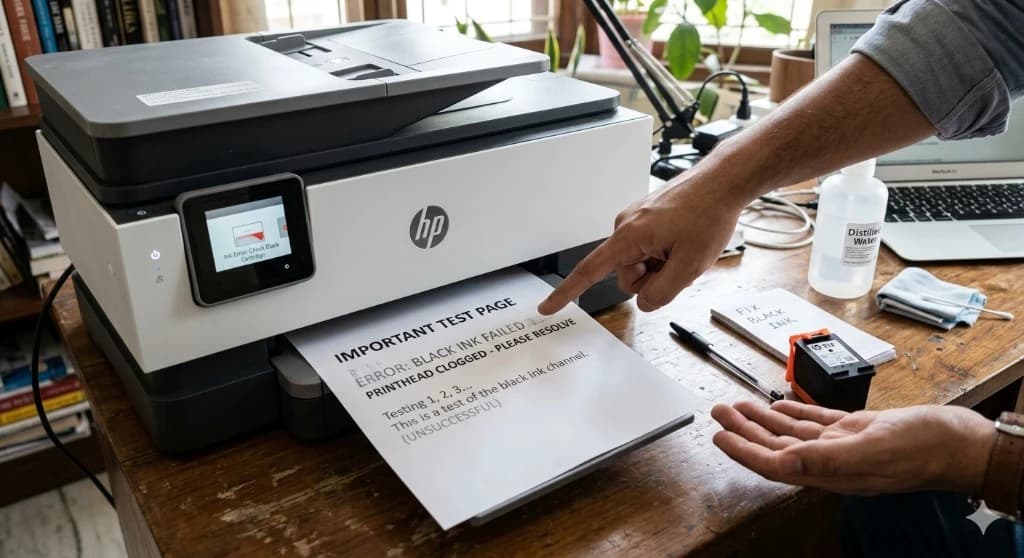
Read morePrinter colors work but black ink is missing? Learn how to diagnose clogged nozzles, cartridge issues, printhead problems, and driver settings on Windows and Mac.
Read morePrint jobs not moving or documents stuck as pending? Learn how to clear the print queue, restart spooler services, and restore normal printing on Windows and macOS.
Read moreSet up a wireless printer on your home or office network. Use WPS, touchscreen setup, mobile apps, or manual SSID entry—and fix common Wi-Fi connection problems on Windows and Mac.
Read moreTroubleshoot blurry text, horizontal streaks, faded output, and smudges on inkjet and laser printers. Check settings, paper, ink or toner, and maintenance steps that restore sharp prints.
Read moreLearn how to update printer drivers safely on Windows 10, Windows 11, and macOS. Fix missing printers, error messages, and poor print quality with the right driver source and reinstall steps.
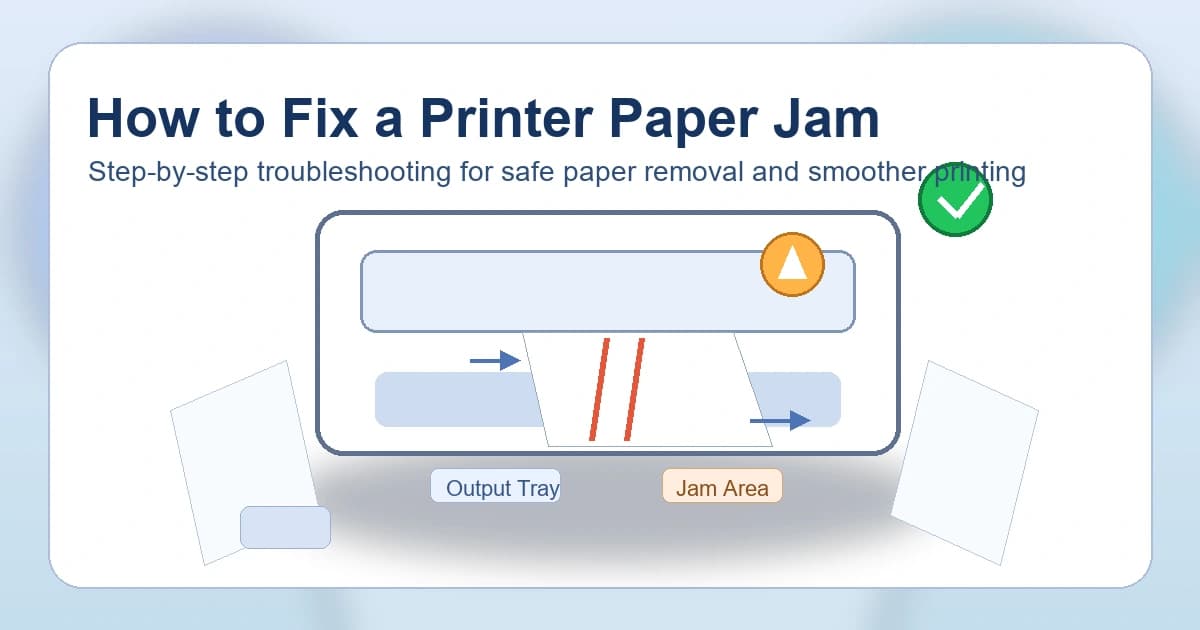
Read moreSimple step-by-step guide to clear a printer paper jam safely. Learn how to remove stuck paper, clean rollers, and stop frequent paper jams on home and office printers.
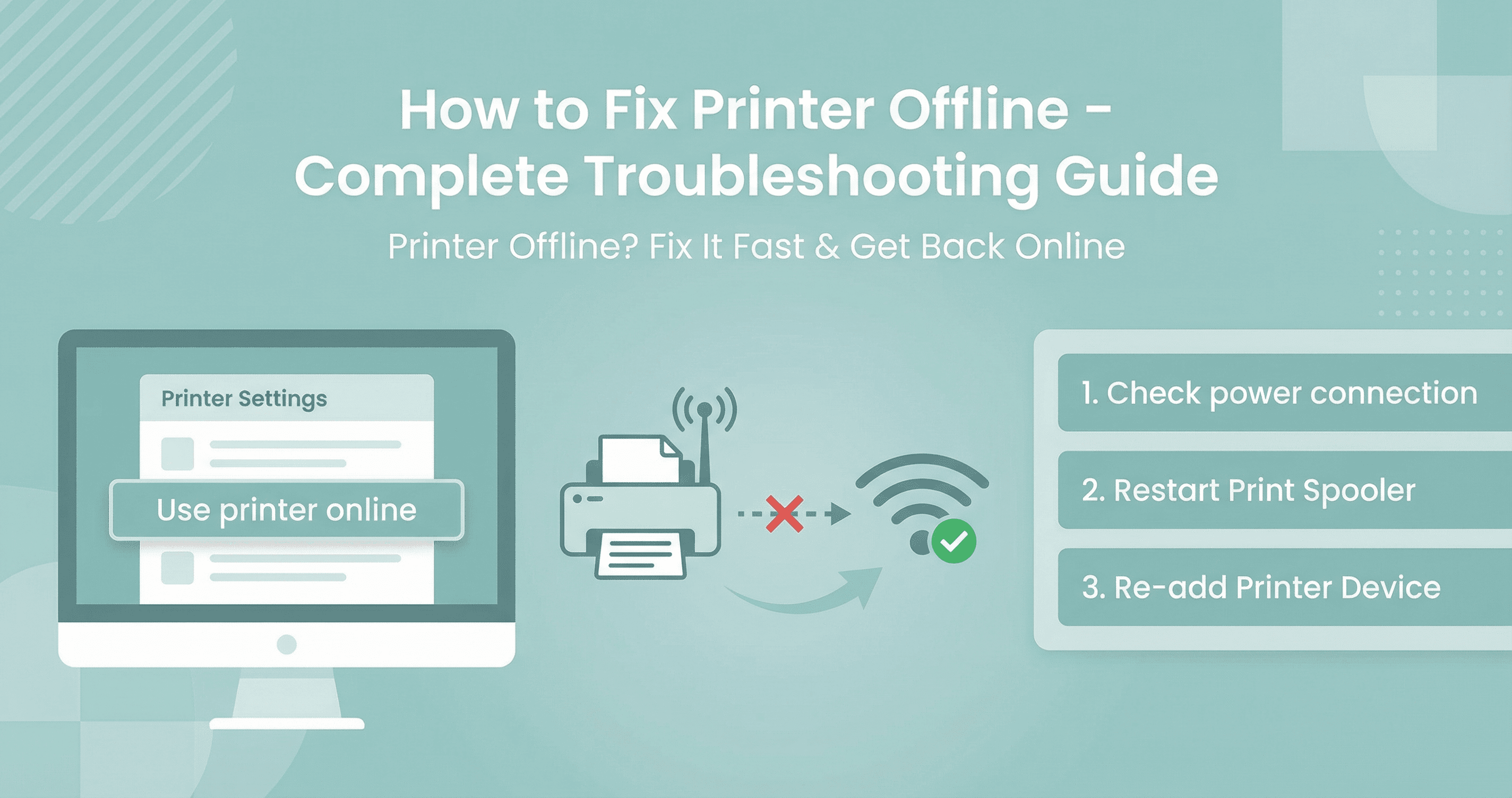
Read moreStep-by-step guide to get your printer back online. Fix 'printer offline' on Windows and Mac, check ports, clear offline mode, and restore wireless or USB connection.
Read more